AI crawlers are the automated bots that read your website so AI engines can understand it and cite it in their answers. If you block them, AI can’t name you.
Crawler access is the one plainly technical gate in all of this. Most of getting named by AI is about clarity and trust, not code. But this one is a simple yes or no: can the bots read your site or not? It’s the first step of what we call the search half in AI search vs. AI answers: AI has to find and read you before it can choose you.
What is an AI crawler?
A crawler is a program that visits web pages and reads their content. Search engines have used crawlers for decades; AI companies now run their own so their tools can find and understand current information, including which local business fits a given job.
When you allow these crawlers, you give the AI a clean copy of your facts to work from. When you block them, the AI works with nothing, or with stale second-hand information.
Which AI crawlers should I know about?
You don’t need to memorise these, but here are the main ones and who they belong to:
- GPTBot: OpenAI’s crawler, for ChatGPT.
- ClaudeBot: Anthropic’s crawler, for Claude.
- PerplexityBot: Perplexity’s crawler, for its answer engine.
- Google-Extended: Google’s setting that controls whether your content can be used for its AI models.
There are others, but these matter most for a business that wants to show up when buyers ask AI for a recommendation.
How do I check whether I’m blocking them?
Look at your robots.txt file: a small file on every site that tells crawlers what they may read. You can see yours by visiting yourdomain.com/robots.txt in a browser.
- If it says
Disallow: /under one of those bot names, or underUser-agent: *(which means every bot), that bot is being turned away. - To let AI in, the file should allow the crawlers above rather than block them.
This often gets set the wrong way by accident: a privacy plugin, a site template or a setting someone flipped years ago. AI crawler access is one of the checks in our report.
The fix: Open yourdomain.com/robots.txt. If you see "Disallow: /" under GPTBot, ClaudeBot, PerplexityBot, Google-Extended or "User-agent: *", send that file to your web person and ask them to remove the block.
Does letting them in get me named?
No, it makes it possible. Think of it as opening the door. The rest is giving AI a reason to walk through it and pick you: clear facts, direct answers and real proof. But if the door is locked, none of the rest matters.
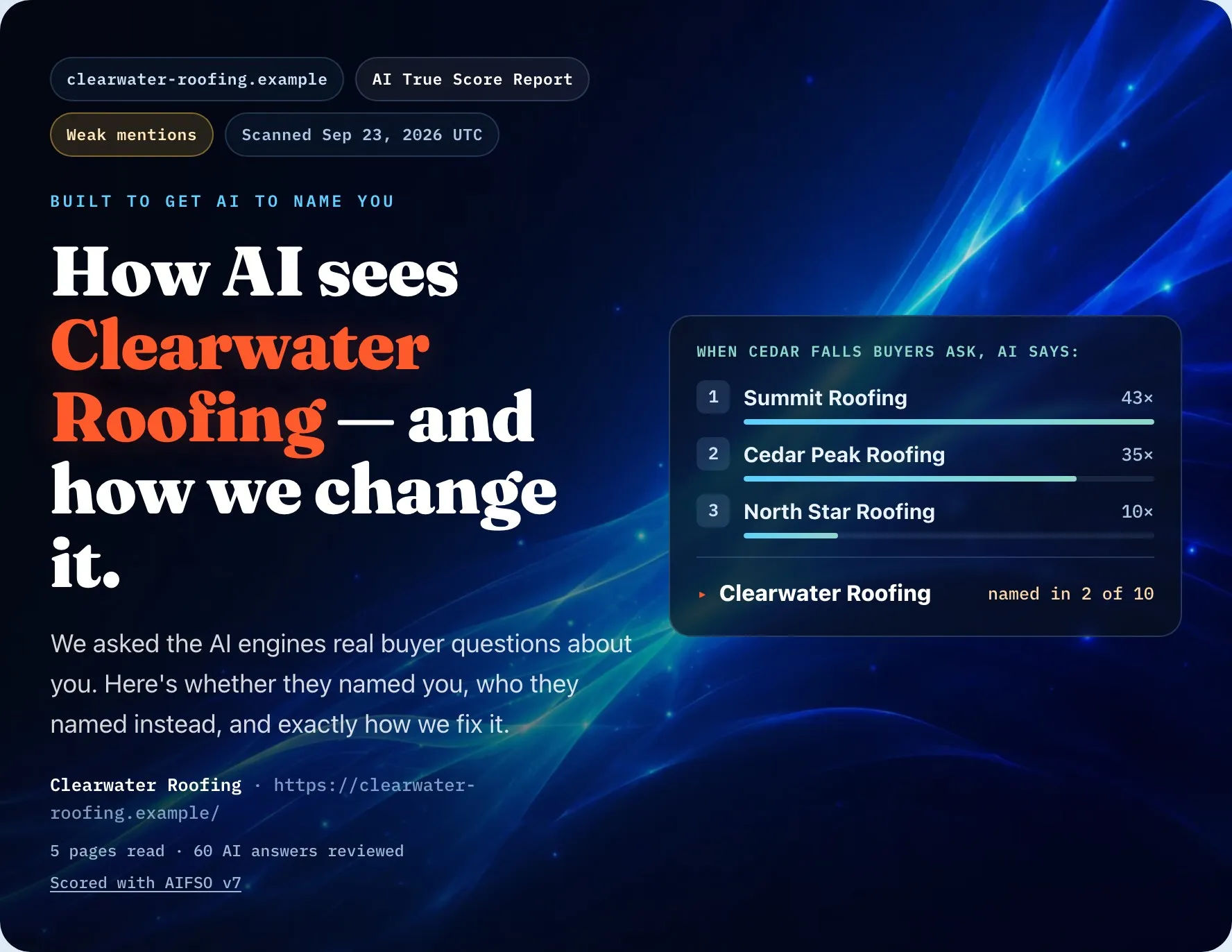
To see whether AI names you today, run the free AI True Score Glimpse: it asks AI real buyer questions and shows whether it names you, who it names instead, and your first fix.
Keep reading: AI search vs. AI answers · Does llms.txt work?