To get recommended by ChatGPT and other AI tools, make your business the easiest one in your area for AI to understand and trust. Then it has no reason to name someone else.
There’s no secret button, no ad slot and no account to keep up inside the chatbot. When a buyer asks an AI answer engine “who’s a good electrician near me?”, the AI (a large language model, or LLM: the kind of AI that reads and writes text) builds its answer from what it can find and confirm about the businesses in that area. Your job is to be the clearest, most trustworthy option it can see. For the bigger picture, start with our guide to answer engine optimization (AEO); this page is the hands-on version.
Can I pay to be recommended by ChatGPT?
No, and that’s good news for businesses willing to do the work. Unlike search ads, there’s no paid placement inside an AI recommendation. The AI names businesses it understands and trusts, so a focused local company can beat a bigger, vaguer competitor by being clearer. You’re earning a recommendation with clarity and proof, not bidding against deep pockets.
How do I get recommended by ChatGPT?
Six steps, in order. Each ends with one check you can do today and one thing to change.
Step 1: Make sure AI can read your site
This is the step most businesses skip, because their site looks fine to them. But AI reads sites as a machine, not a visitor. If your key information is inside images, appears only after heavy scripts run, or sits behind a pop-up, the AI may never see it. AI crawlers, explained covers the bots that do the reading.
The fix: Highlight your phone number and services on your homepage. If you can't select them, they're inside a picture, and AI can't read them. Retype them as text.
Step 2: State your facts the same way everywhere
AI needs to know exactly who you are, what you do, where you work and how to reach you, phrased the same way everywhere. Pick one version of your business name. Name the actual towns and neighbourhoods you serve instead of “the greater metro area.” Keep your hours and phone number identical on every page and listing.
That includes your listings off your site. Here’s how your Google Business Profile affects AI answers: AI checks your site against it, so a mismatch gives it a reason to doubt you.
The fix: Put your name, phone number and hours from your site, your Google profile and one review site side by side, and make all three identical. Then ask your web person to add LocalBusiness schema: a short block of code that labels those facts for machines.
Step 3: Answer the questions buyers ask
Buyers ask specific things before they call: “Are you licensed and insured?” “Do you offer emergency service?” “What areas do you cover?” “How fast can you come out?” “What does a typical job cost?” Answer engines build their replies from sites that answer plainly. A page of slogans gives the AI nothing to quote.
The fix: Write down the questions customers ask you most on the phone. For each one your site doesn't answer in a sentence, add that answer to the relevant page, with the answer first and the detail after.
Step 4: Make your proof easy to see
AI is careful about recommending a business it can’t verify, because a bad call reflects on the tool. Licenses, insurance, reviews, guarantees you actually offer and clear contact details all tell the AI you’re a safe name to give. Trust is what turns a “maybe” into a name in the answer, especially for “best” and “most trusted” questions.
The fix: Put your license number, proof of insurance and three reviews with the customer's name on the page that describes your main service, next to the work they back up.
Step 5: Name your trade and towns plainly
The AI has to place you: this trade, these towns, these services. Do-everything positioning gets filtered out of specific local questions. Every trade has its own buyer questions; our industry pages cover them, and our page for roofers lists the questions roofing buyers ask AI.
The fix: Read the first sentence of your homepage. If it doesn't name your trade and the towns you serve, rewrite it so it does.
Step 6: Measure, fix and measure again
Getting recommended isn’t a one-time task. AI engines re-read the web and change how they answer, and your competitors are working on this too.
The fix: Check whether ChatGPT recommends you today and write down who it names. Put a reminder in your calendar to ask the same questions again in a few weeks.
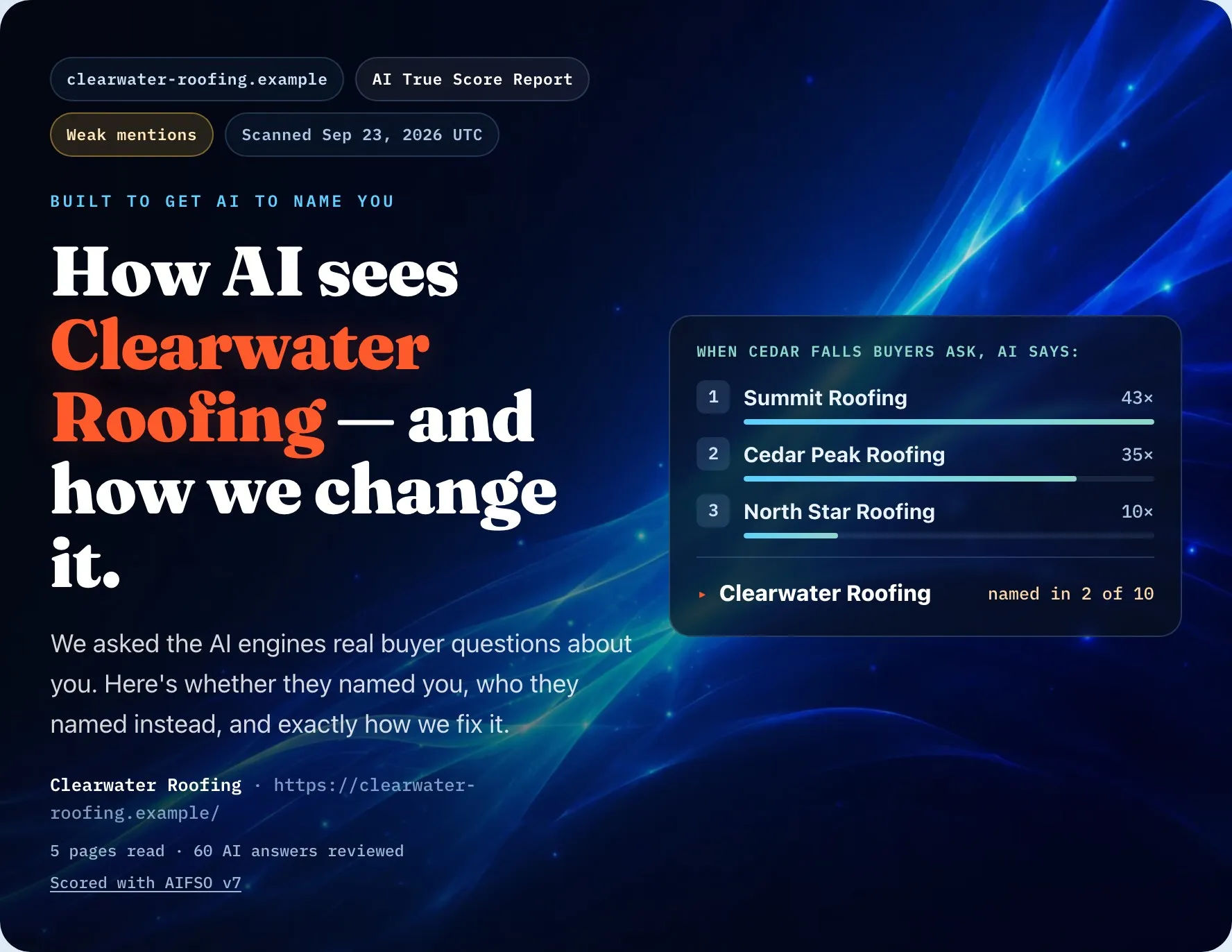
The free AI True Score Glimpse asks AI real buyer questions and shows whether it names you, who it names instead, and your first fix. The AI True Score Full Report asks the questions your buyers ask, on every engine in our report, shows who each one names, and runs the checks in our report on your site; it includes one free follow-up check, with an email saying what changed. Our How It Works page shows the whole sequence.
Can anyone guarantee a recommendation?
No. No one can guarantee that an AI engine will name your business, and you should be wary of anyone who promises a result or a date. What you can do is remove every reason the AI has to leave you out. When a good business isn’t being recommended, the gap is usually in what AI can read and confirm about it, not in the quality of the work, and that’s something you can fix. If AI is already naming competitors instead of you, our guide on why that happens breaks down the causes.
Should I do this myself, buy a tool or hire help?
Do what you can yourself first; most of the steps above need no one else. If you want help after that, our comparison of AI visibility tools and agencies sets out what each costs, what you get and who it suits.
The bottom line
Being recommended isn’t luck. It’s the result of being the clearest, most trustworthy option AI can find in your area. Work through the six steps, then check again.
Want to know where you stand today? Get your free AI True Score Glimpse.
Keep reading: How to check if ChatGPT recommends your business · Does your Google Business Profile affect AI answers?